Consolidate League Tools with Pilot Waves and One Hour Rollbacks
Consolidate League Tools with Pilot Waves and One Hour Rollbacks
Consolidating your league’s separate registration, scheduling, and communication tools into one integrated platform will cut admin time, reduce scheduling conflicts, and create a single source of truth. For most youth sports leagues, this is the right move, and it works best when treated as a planned migration rather than a weekend swap. If you want a demo-ready option built for this exact job, consider platforms designed for youth sports league management.
TL;DR:
- Covering dependencies such as payment systems, facility booking portals, and contact automation is crucial to prevent unexpected failures during migration.
- A six-week migration window, including pilot testing, is typical for leagues moving core modules like registration, scheduling, and communication tools.
- Running parallel workflows and establishing a documented rollback plan allows quick reversion within one hour if data mismatches or errors occur.
- Start with modules used most frequently, such as registration and scheduling, and conduct a phased pilot to identify and resolve issues early.
- Volunteer training and clear documentation are essential to minimize resistance and ensure a smooth transition during consolidation.
Table of Contents
- Why consolidating league tools pays off
- Your step-by-step plan for migrating league tools
- Technical checklist: dependencies, data migration, and rollback
- What consolidation costs and who should run it
- Common pitfalls and how to avoid them
- Why consolidation matters beyond the spreadsheet
- Ready to consolidate with SportChatPro?
- FAQ
- Sources
Why consolidating league tools pays off
Running registration in one app, scheduling in a spreadsheet, and messaging through a group text creates three separate sources of truth, and none of them agree with each other by week six. Consolidation fixes that by putting rosters, schedules, and communications in one connected system, so a schedule change in one place is visible everywhere else instantly.
Leagues that have made this shift report several consistent wins:
- Less time spent re-entering the same team and player data across multiple tools.
- Fewer double-booked fields and back-to-back conflicts once scheduling accounts for facility availability in real time.
- Cleaner financial and roster records at season’s end, since one system tracks registration, fees, and rosters together.
- Better continuity from season to season, because team history, contacts, and facility notes carry forward automatically.
Point-solution consolidation is a growing trend among sports organizations seeking integrated data and operational efficiency, according to industry commentary on sports operators centralizing their toolkits. That same shift happens at the league level: fewer logins, fewer handoff errors, and one place to look when a parent asks “what field is my kid at.”
Your step-by-step plan for migrating league tools
Treat consolidation like a project with checkpoints, not a single cutover weekend. A phased approach protects your current season while you build the new one.
- Set goals and scope. Decide which modules you are consolidating first, usually registration, scheduling, and messaging, since those touch the most people weekly.
- Inventory your current tools. List every tool in use, including spreadsheets, and map how data moves between them (exports, manual entry, scheduled jobs).
- Pilot in one division. Run the new platform for a single age group or division while the rest of the league continues as normal.
- Run parallel workflows. Keep the old and new systems active together for the pilot group and compare outputs before trusting the new one fully.
- Choose your cutover pattern. Decide between a phased cutover (division by division) or a dual-write period where both systems receive updates temporarily.
- Train volunteers and publish runbooks. Give coaches and team managers a short reference guide before rollout, not after problems start.
Pro Tip: Run your pilot during a lower-stakes stretch of the season, like preseason scrimmages, so mistakes cost you nothing but a little extra patience.
Technical checklist: dependencies, data migration, and rollback
Before you move a single roster, map what actually depends on your current tools. According to the Jacobian Engineering cloud migration playbook, successful SaaS migrations combine automated discovery tools with manual interviews to catch every API, scheduled export, and batch job before cutover, then produce an architecture diagram and a wave plan sequenced by risk.
For league administrators, that discovery work covers:
- Payment processors tied to registration fees and refund workflows.
- Facility booking systems or city recreation portals pulling or pushing schedule data.
- Email or text alert services with existing contact lists and automations.
- Spreadsheet macros or shared drive folders that volunteers rely on without IT’s knowledge.
Once you know what is connected, pick a data migration pattern: dual-write (both systems get updates during the transition), replication of records in batches, or straight phased cutover by division. The same playbook recommends parallel-run validation, keeping both systems live and comparing results, to catch mismatches before they reach families.
Zero customer-visible downtime is achievable through parallel-run validation, and the playbook recommends documented rollback paths that can complete in under one hour for each migration wave. That one-hour threshold matters for leagues too: if a schedule import goes wrong three days before opening weekend, you need to revert fast, not improvise. Monitor key indicators after each wave (failed logins, missing games, bounced messages) before declaring that wave complete.
What consolidation costs and who should run it
Budget both time and people, not just a subscription fee. The same migration playbook cited above found a 6-week median migration window for mid-stage SaaS projects, which tracks reasonably well for a league moving core modules during an off-season, assuming a short pilot inside that window.
Direct costs include your new subscription and any short-term overlap paying for both old and new tools. Hidden costs show up in volunteer hours spent entering data, training time, and the coordinator availability needed during cutover weeks.
A workable project team includes:
- A project lead who owns the timeline and makes final go/no-go calls.
- A volunteer coordinator who manages coach and team manager communication and training.
- A technical lead, internal or contracted, who handles data exports, imports, and integration checks.
- A vendor support contact you can reach quickly during cutover week.
For a rough ROI check, multiply hours saved weekly on registration and scheduling by your typical volunteer or staff hourly value, then add in the reduction in facility double-bookings and the admin time spent resolving them.
Common pitfalls and how to avoid them
Most failed consolidations fail for the same handful of reasons, and each has a straightforward fix.
- Hidden integrations break first. Vendor APIs, payment hooks, and batch exports often go undiscovered until they fail mid-season, so run discovery interviews early and document every connection before you touch anything.
- No rollback plan means no safety net. Require a written rollback path for every migration wave before that wave starts, not after something breaks.
- Volunteers resist change when they are untrained. Schedule mandatory short training sessions for coaches and team managers, and hand out a one-page quick reference guide they can keep on their phone.
- Over-customization slows everything down. Start close to the platform’s standard workflows and save heavy customization for a later season once the basics are stable.
Pro Tip: Keep your rollback plan as a printed one-pager taped inside the equipment closet. When something breaks on game day, nobody wants to hunt through a shared drive.
Why consolidation matters beyond the spreadsheet
Consolidation is often sold as an efficiency play, and it is, but the bigger win is volunteer retention. Coaches and team managers who spend less time untangling conflicting schedules and more time coaching tend to stick around longer. Intelligent scheduling and season-to-season continuity features exist specifically to cut that friction, which is where we focus our own product work at SportChatPro. The technical plan matters, but it is really in service of keeping good volunteers from burning out.
— Cameron
Ready to consolidate with SportChatPro?
If you are ready to move past juggling separate registration, scheduling, and messaging tools, we built the SportChatPro Platform around exactly this problem. Scheduling engines that consider team availability and facility conflicts automatically, communication tools that keep coaches and parents coordinated, and season continuity features that carry rosters and facility notes forward can help manage leagues more effectively.
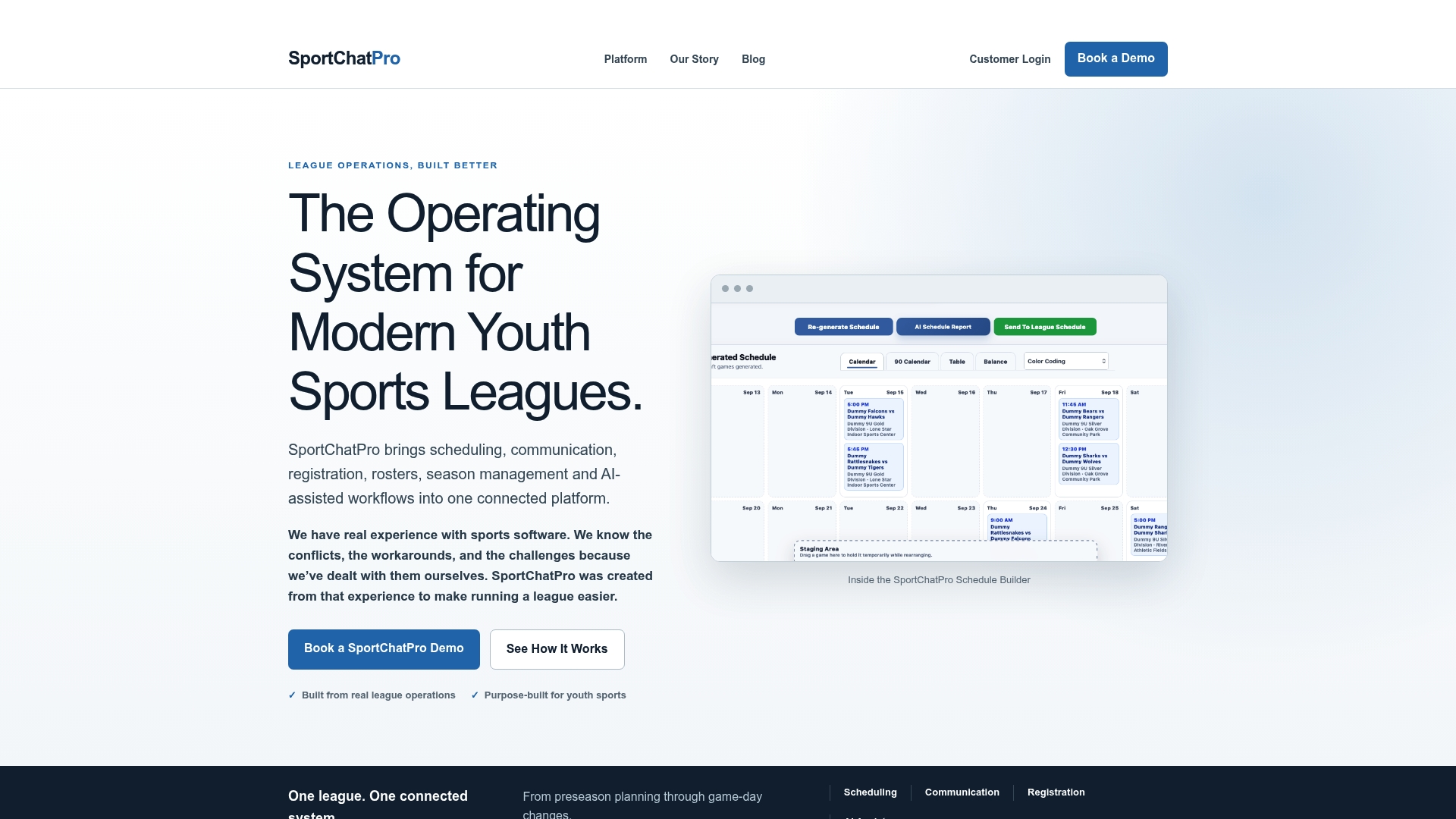
When you book a demo, ask us directly about data import support for your existing rosters, what rollback support looks like during your first season, and what training resources we provide for volunteer coaches. We would rather walk you through those details live than have you guess at them.
See how consolidation works for your league with a SportChatPro demo.

FAQ
How long does it take to consolidate league management tools?
A typical migration window for similar software projects runs around 6 weeks for a mid-stage SaaS transition, including a short pilot period. Leagues usually fit this into an off-season or preseason window to avoid disrupting active play.
What should we migrate first when consolidating tools?
Start with the modules used weekly by the most people, usually registration, scheduling, and communication. Running a pilot in a single division before a full rollout helps surface integration issues early.
How do we avoid losing data during the switch?
Map every dependency first, including payment processors, facility booking systems, and alert services, before migrating anything. A documented rollback path per migration wave lets you revert quickly if something does not transfer correctly.
Does SportChatPro support migrating data from our current tools?
SportChatPro’s intelligent scheduling and season continuity tools are built to bring existing roster and facility information into one connected system. Ask about data import specifics during a demo, since the right approach depends on what you are migrating from.
What is the biggest risk in a league tool consolidation?
Hidden integrations, such as vendor APIs or scheduled exports nobody remembers exists, are the most common cause of failed cutovers. Early discovery interviews and a written rollback plan for each wave reduce that risk significantly.