Operations First Waitlist Management for Volunteer & Franchise Leagues
Operations First Waitlist Management for Volunteer & Franchise Leagues
Turn on automated waitlists for every division that fills up, then publish a clear notification window before you open registration. Confirm your email and text channels work, set eligibility checks for holds and duplicate signups, and run one test activation before the real rush hits. That single sequence prevents most of the disputes and manual scrambling that come with league registration waitlists.
TL;DR:
- Automated waitlists should be enabled for all divisions and tested with dummy activations before the season to prevent errors.
- Eligibility checks for holds, time conflicts, duplicates, and prerequisites must run automatically before activating waitlisted players, not manually.
- Notifications about open spots should be sent via email and SMS within a clear, published response window, typically 24 hours.
- The correct sequence for adjusting rosters involves reducing maximum participants, canceling the player, then activating the next in line; payment status also needs verification.
- Platforms like SportChatPro automate eligibility checks, conflict resolution, and notifications, reducing manual admin work and disputes.
Table of Contents
- Waitlist types and typical logic
- Notifications, timing, and enrollment windows
- Operational checklist for enabling and managing waitlists
- Which platform features actually reduce admin work
- How SportChatPro puts these practices into daily use
- What actually cuts down on waitlist disputes
- Automate your league’s waitlist with SportChatPro
- Sources
- FAQ
Waitlist types and typical logic
Most systems run one of two models. An automatic waitlist enrolls people strictly in the order they joined, first come, first served. A resequenced or priority waitlist reorders that list based on rules the league sets, such as age group, returning player status, or team balance needs. Both models exist in registrar systems and sports platforms alike, and the choice affects how much explaining you will do later.
The University of Colorado Boulder registrar describes exactly this split: automatic (first-come, first-served) waitlists versus resequenced waitlists that apply a priority system before enrolling anyone.
Before any name moves off a waitlist and into a roster, a handful of checks should run automatically:
- Holds: unpaid balances or disciplinary flags that block enrollment.
- Time conflicts: the player or team already has a game or practice slot that overlaps.
- Duplicate registrations: the same child registered twice, sometimes under different guardians.
- Prerequisites: age cutoffs, tryout results, or division requirements not yet satisfied.
These checks matter because a manual activation skips them by default. Automating the check is what actually saves admin time, not just the queue itself.
Notifications, timing, and enrollment windows
Once a spot opens, the platform needs to tell someone and give them a real deadline. Email is the baseline channel, but text and in-app push messages catch families who miss email during peak registration weeks. Running two channels at once is worth the small extra setup, especially in the days before a season starts.
- Email: reliable for records, slower for urgent action.
- SMS: faster response, best for short deadlines.
- In-app push: useful when families already use a team app daily.
A 24-hour response window is common practice, with some programs shortening it during high-volume periods, according to Western Washington University’s registrar, which notes windows can drop to 12 hours during the first week of a term. That range gives leagues a workable default: 24 hours in normal weeks, shorter windows only when a season is about to lock rosters.
Batch processing cadence changes how that deadline behaves. A nightly batch offers longer effective windows but slower turnover. An hourly batch clears seats faster but leaves less room for a slow-to-respond parent. Whichever cadence you pick, publish the cutoff explicitly. An unstated deadline is where most waitlist complaints start.
Operational checklist for enabling and managing waitlists
Handling a league waitlist well comes down to sequence. Skip a step and you risk a canceled player’s spot going to the wrong name, which is the fastest way to get an angry email from a parent.
- Enable the waitlist on the division: set the maximum participant count and toggle the waitlist feature on.
- Add visible policy text at checkout so families know how the waitlist works before they join it.
- Review the waitlist report, sorted by join timestamp and contact info, to confirm order.
- Reduce the max participant count first if you are canceling an enrolled player, then cancel the registration.
- Activate the next eligible player from the waitlist, then verify the participant count and payment status.
That sequence matters because reversing steps three and four is a common source of jump-the-line errors. The AYSO waitlist management guide lays out this exact order: reduce max participants, cancel the registration, activate from the waitlist, then confirm the count again.
Payment status deserves its own check. An activated registration that never completes payment should not hold a roster spot indefinitely, so set a short grace period and a clear fallback to the next name on the list if payment never clears.
Also worth knowing: a family sitting in a shopping cart has not joined the waitlist yet. Per the same AYSO documentation, joining the waitlist typically requires a separate zero-dollar checkout step, and no fees are collected at that point.
Pro Tip: Run a staged activation test on a dummy division before your first high-volume release of the season, so you catch sequencing mistakes before real families are affected.
Which platform features actually reduce admin work
Not every feature marketed around waitlists saves time. A few do the heavy lifting, and the rest are noise.
- Automated queueing that enrolls the next eligible person without a manual click.
- Priority rule settings for age, returning-player status, or team balance.
- Conflict-aware enrollment that blocks a double-booked schedule automatically.
- Payment gating that holds a roster spot only until payment clears.
- Dual-channel notifications covering both email and text.
- An audit log showing who activated whom and when.
| Setting | Matters most for |
|---|---|
| Automated queueing | Volunteer-led leagues with limited admin hours |
| Priority rule configuration | Leagues balancing returning players against newcomers |
| Conflict-aware enrollment | Multi-division leagues sharing facilities and referees |
| Audit log visibility | Staffed operations handling parent disputes |
Volunteer-run leagues generally benefit most from automation that removes manual steps entirely, since nobody on the board has hours to spare for chasing waitlist emails. Staffed operations, by contrast, often prioritize the audit log and reporting, since disputes get escalated to a director who needs a clear record of what happened and when.
How SportChatPro puts these practices into daily use
SportChatPro connects registration, intelligent scheduling, and notifications into one system, so a waitlist activation runs the eligibility checks described above without an admin cross-referencing three separate tools. Because scheduling and registration share the same data, such a platform can flag a time conflict before a waitlisted player gets activated into a spot that would double-book them.
Edge cases get handled inside the same workflow. A transfer between divisions, an admin override for a special circumstance, or a late cancellation all pass through the same activation sequence, and every action lands in an audit log an administrator can review later. That matters when a parent disputes why their child moved up the list, or why they did not.
Such platforms are often designed around the sequence administrators follow, rather than a generic registration form adapted after the fact.

What actually cuts down on waitlist disputes
Most waitlist arguments trace back to a policy nobody wrote down. My take: default to strict first-come, first-served ordering unless you have a documented reason to do otherwise, and put that reason in writing before the season opens, not after a parent asks why their kid got skipped.
Keep the notification window short enough to move the list along, but long enough that a working parent can realistically respond. A published, consistently enforced policy does more to reduce your workload than any feature toggle.
— Cameron
Automate your league’s waitlist with SportChatPro
Everything covered here, automated queueing, priority rules, conflict-aware enrollment, and notification workflows, runs natively inside SportChatPro. Instead of piecing together a spreadsheet, an email list, and a separate scheduling tool, your waitlist activations pull from the same roster and schedule data your league already uses, which is what catches a double-booked activation before it happens.
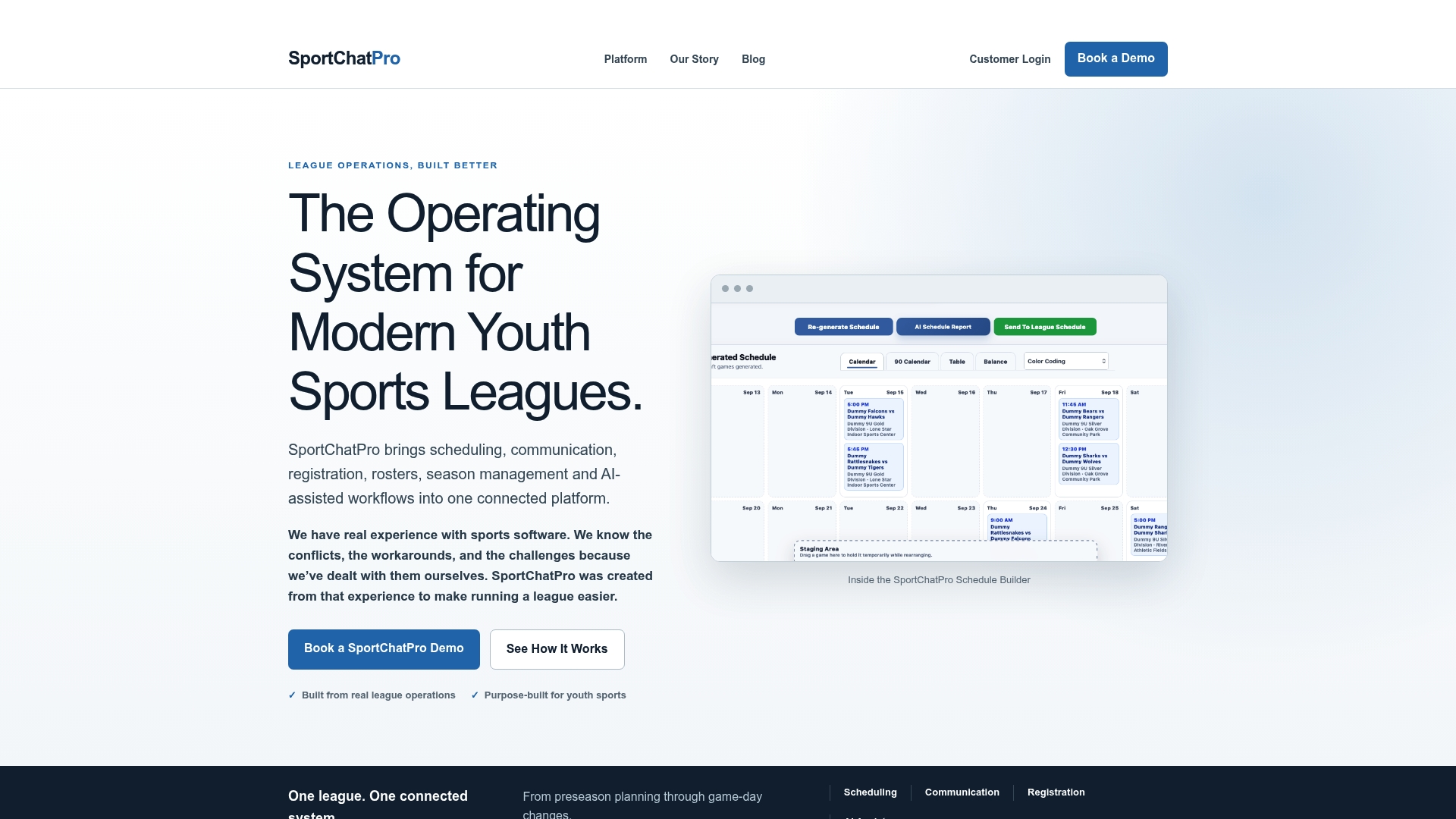
If your board is still activating waitlisted players by hand and hoping nobody double-checks the order, take a look at the SportChatPro platform and see how the workflow fits your season.
Sources
- Waitlist Management - AYSO Wiki
- Registration Waitlisting | Registrar’s Office | Western Washington University
- Class Waitlists | Office of the Registrar | University of Colorado Boulder
FAQ
How long do families have to respond to a waitlist offer?
A 24-hour window is common practice once a seat opens, though some programs shorten that to 12 hours during high-demand periods, based on registrar guidance from Western Washington University. Leagues should publish their exact window so families know the deadline before they join the list.
What is the difference between automatic and resequenced waitlists?
An automatic waitlist enrolls people strictly in join order, while a resequenced waitlist reorders names based on priority rules the league sets, such as returning player status. This distinction comes from registrar documentation at the University of Colorado Boulder, which outlines both models.
How do you prevent jumping the waitlist line when canceling a player?
Reduce the division’s max participant count first, cancel the registration, then activate the next eligible name from the waitlist and verify the count again. This sequence is documented in the AYSO waitlist management guide as the standard way to avoid the wrong player getting activated.
Are fees charged when someone joins a waitlist?
No, joining a waitlist typically involves a separate zero-dollar checkout step, and fees are not collected until the player is actually activated into the division. Families sitting in a shopping cart have not joined the waitlist yet, according to the same AYSO documentation.
Does SportChatPro support waitlist automation for leagues?
Yes, SportChatPro integrates registration, scheduling, and notifications so waitlist activations run eligibility and conflict checks automatically. Pricing details are available directly on the SportChatPro platform page.